Quick answer
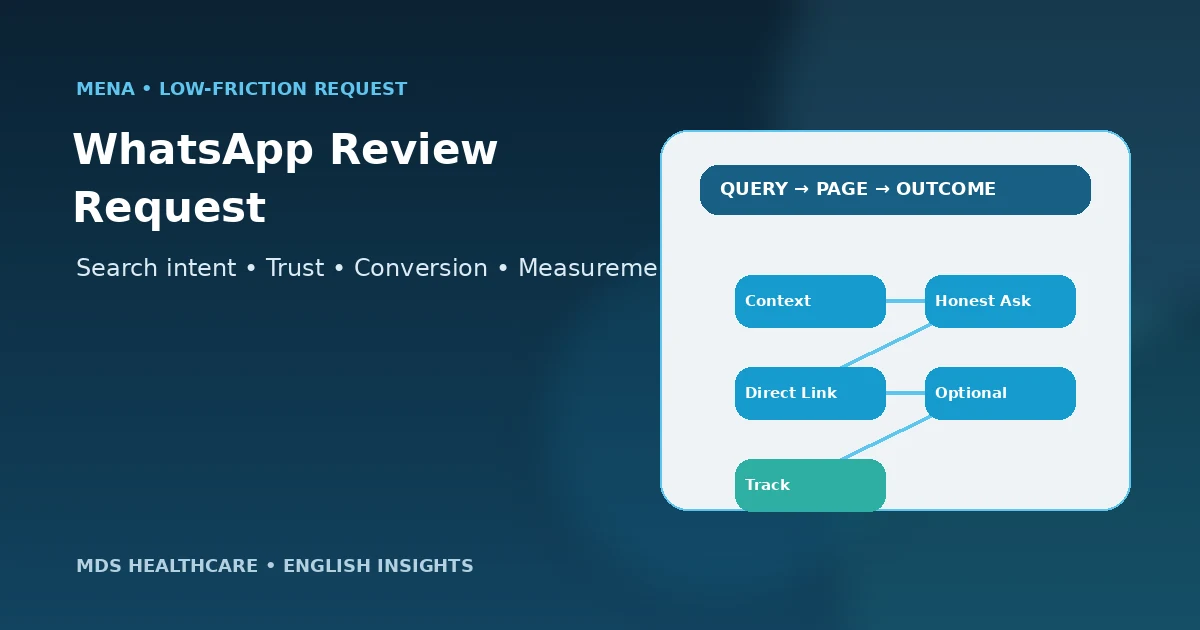
A Google review request on WhatsApp should be short, neutral and optional. Thank the patient, invite honest feedback, share the clinic’s direct Google review link, and avoid promises, discounts, gifts or “please leave us five stars” language. Use the clinic’s approved communication process, avoid unnecessary medical details, and do not send the Google link only to patients who first report being satisfied.
Build a Clinic Review WorkflowKey takeaways
- Use a direct Google review link to reduce steps.
- Invite honest feedback; never request a specific star rating.
- Do not offer discounts, gifts or other incentives for reviews.
- Avoid unnecessary clinical details in WhatsApp messages.
- Do not use sentiment gating before sharing the Google review link.
- Keep one approved message and owner for the workflow.
WhatsApp review request anatomy
A good message reduces friction without manipulating sentiment.
When WhatsApp is a good review-request channel
WhatsApp is useful when it is already an appropriate part of the clinic’s appointment or follow-up communication. The patient recognizes the sender, the direct review link is easy to open on mobile, and the request can be kept separate from clinical discussion.
Do not add people to a marketing-style broadcast solely to chase reviews. Use the clinic’s existing communication governance and respect opt-out or contact preferences.
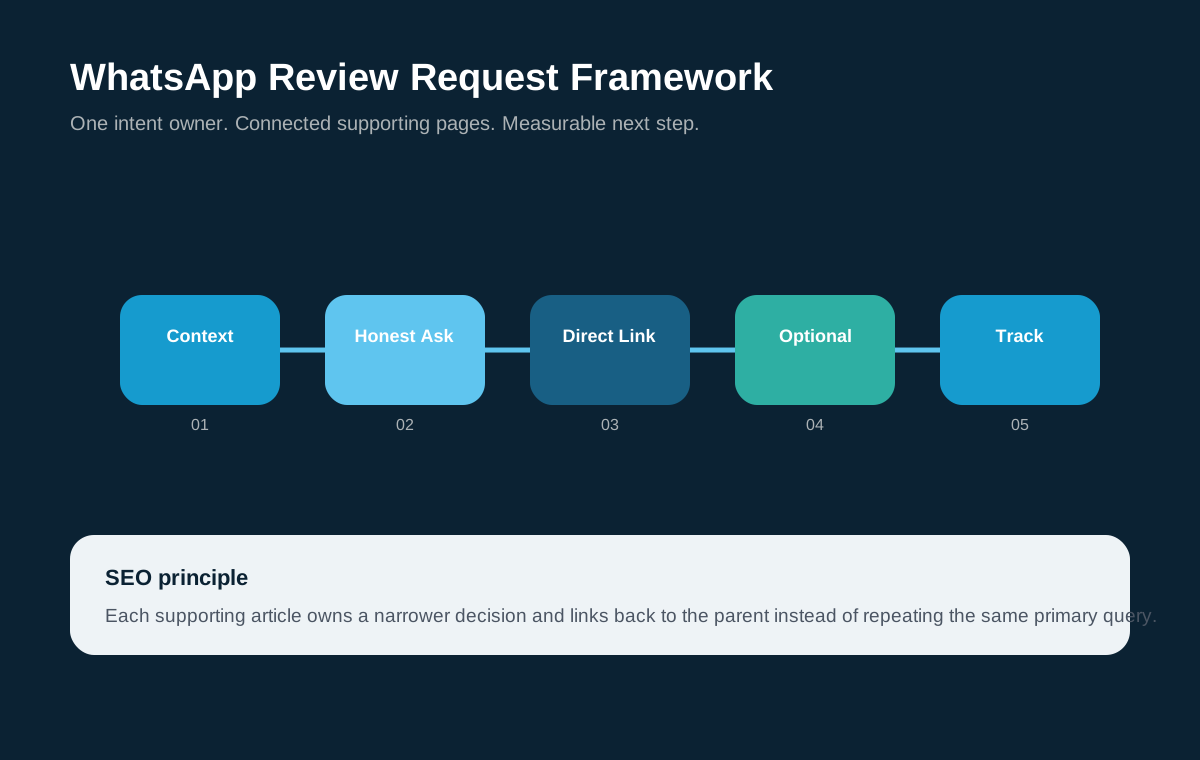
Use a four-part WhatsApp review request
A simple message structure.
| Part | Purpose | Example direction |
|---|---|---|
| Context | Identify the clinic and reason for the message | A brief thank-you for choosing the clinic |
| Invitation | Ask for honest feedback | “If you would like to share your experience…” |
| Direct link | Reduce friction | Use the official Google review link for that location |
| Close | Keep it optional | A simple thank-you without pressure |
Sample message framework to adapt
A neutral template can look like this: “Hi [First name], thank you for choosing [Clinic]. If you would like to share your experience, you can leave an honest Google review here: [direct link]. Your feedback helps us understand the patient experience. Thank you.”
Keep the wording general. Do not mention a diagnosis, treatment result or other medical detail. Do not add “five-star,” a reward, a discount code or a condition tied to the review.
Automate the workflow carefully
Automation can help the clinic send a consistent request after an appropriate workflow event, but the trigger should be defined by the clinic rather than by a predicted positive sentiment score. Keep a human owner who can pause the sequence if the patient has an unresolved complaint.
Use the minimum data necessary for the message and track workflow completion rather than storing assumptions about what rating the patient will leave.
Use the correct Google link for each clinic location
Multi-branch clinics should maintain a verified direct review link for each Business Profile. The WhatsApp workflow should choose the location the patient interacted with so feedback is not accidentally routed to another branch.
Test links regularly and keep them in one controlled data source. Broken or mismatched links create friction and distort local reputation signals.
Common WhatsApp review-request mistakes
- Asking for “five stars” instead of honest feedback
- Offering a discount, gift or benefit for a review
- Sending repeated reminders that pressure the patient
- Mentioning sensitive clinical details in the message
- Using a satisfaction gate before providing the public review link
- Sending the wrong branch review link
- Letting staff invent different messages with inconsistent claims
Document the WhatsApp review workflow
Create a one-page operating note that states which patients enter the request workflow, which approved message is used, which branch link is selected, who can edit the template, and when a request should be paused. This reduces ad-hoc messages and makes it easier to audit the process when staff change.
Keep the review workflow separate from clinical triage. If a patient raises a care concern in the same WhatsApp conversation, stop the automated request and route the issue through the clinic’s appropriate patient-support process. A reputation message should never compete with a person who needs help.
Adapt the message to the clinic’s real patient communication style
The message can be written in English, Arabic or both depending on how the clinic normally communicates with patients. Do not translate a generic global template mechanically if the clinic’s tone, branch naming or appointment process is different. The important elements are clarity, neutrality, the correct review link and the absence of pressure.
For clinics serving several MENA markets, keep country and branch workflows separate enough that the correct team, language and Google Business Profile link are used. Consistency should come from the policy and structure, while the wording can remain natural for the local audience.
Frequently asked questions
What should a clinic say in a WhatsApp Google review request?
Keep it short: thank the patient, invite honest feedback, share the clinic’s direct Google review link and close without pressure. Avoid requesting five stars, offering incentives or including unnecessary medical information. The message should feel like a feedback invitation, not a promotion.
Can a clinic offer a discount for leaving a Google review on WhatsApp?
Google states that incentives such as free or discounted goods or services in exchange for posting, changing or removing reviews are prohibited fake engagement. Do not attach a discount, gift, loyalty benefit or other reward to the review request.
Can review requests be automated on WhatsApp?
Automation can support consistency when it follows the clinic’s communication and privacy processes. Use an appropriate workflow trigger, keep the message neutral, avoid unnecessary health information and provide a way to pause or stop the sequence when a complaint or other exception needs human handling.
Should clinics send the Google review link only to happy patients?
Avoid sentiment gating. If the clinic invites public reviews, use a consistent eligibility rule rather than privately screening people and only sending the Google link to those expected to be positive. Honest and balanced feedback is more defensible and aligns better with Google’s genuine-review guidance.
Source and claim policy
This guide follows Google’s published guidance that reviews should reflect genuine experiences and that incentives for posting, changing or removing reviews are prohibited. It does not provide legal advice about messaging consent or healthcare privacy; clinics should apply their own governance and local requirements.
Related MDS guides
Google Reviews for Clinics
Return to the complete review strategy.
How to Get More Google Reviews for Your Clinic
Build the overall acquisition workflow.
How to Respond to Negative Clinic Reviews
Prepare the public response process.
Healthcare WhatsApp CRM Follow-up
See broader WhatsApp inquiry and follow-up architecture.
Use WhatsApp as a friction reducer, not a pressure tool
MDS can help structure the direct review link, message, staff workflow and tracking so the request is simple, consistent and aligned with Google’s review guidance.
 MDS TeamHealthcare marketing, search, patient-journey and conversion editorial team at MDS Healthcare. This page is educational and does not replace legal, regulatory, medical or privacy advice.