Quick answer
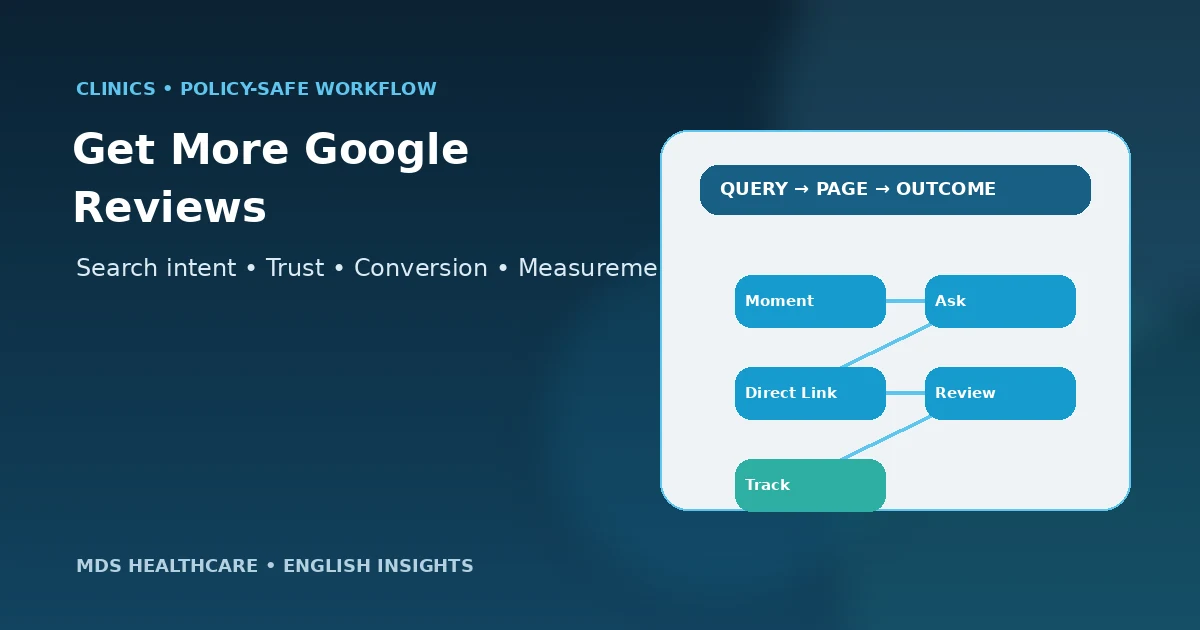
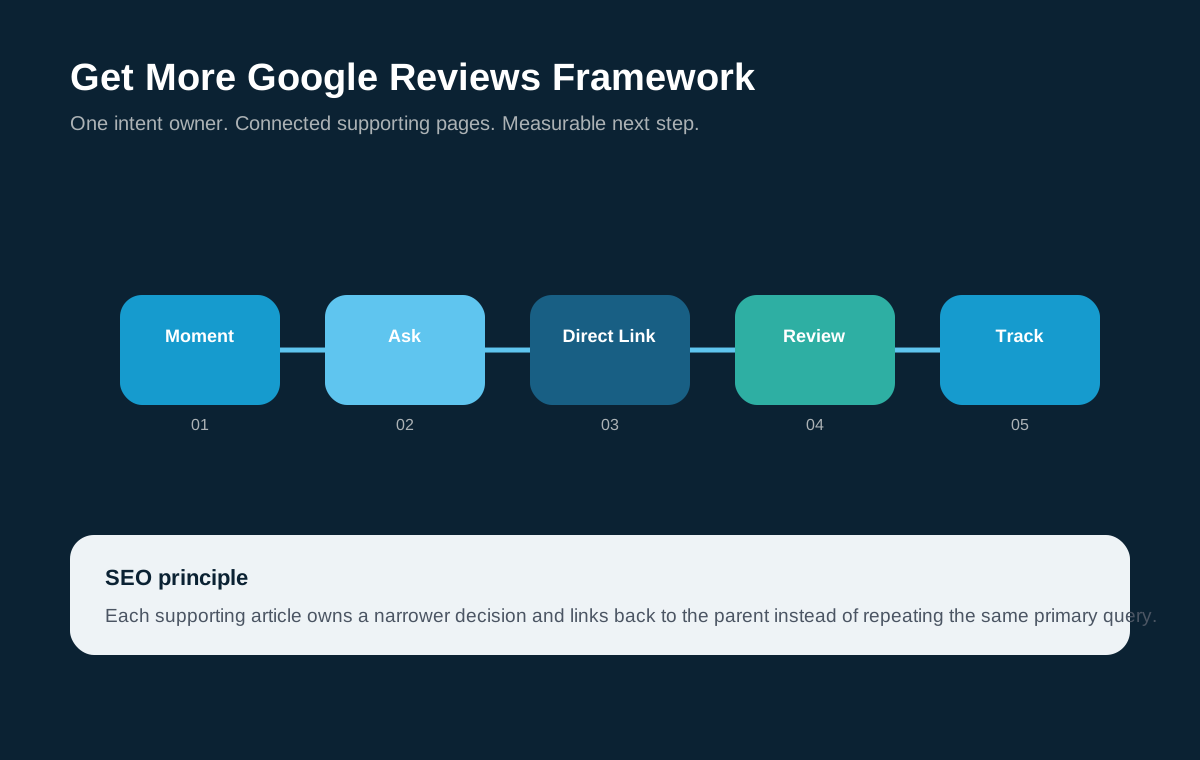
To get more Google reviews for your clinic, make the request part of a consistent patient-experience workflow: choose appropriate moments, ask for honest feedback, use Google’s direct review link or QR code, keep the message short, and train staff so the process is repeated without pressure. Do not offer discounts, gifts or other incentives for reviews, and do not only invite patients who are expected to be positive.
Audit Your Review Request WorkflowKey takeaways
- Ask for honest feedback, not five-star feedback.
- Use a direct Google review link or QR code to remove unnecessary steps.
- Choose request timing that fits the service and patient communication journey.
- Train the team so the process is consistent and respectful.
- Do not incentivize reviews or gate the public request based on predicted sentiment.
- Review the workflow monthly for friction and operational issues.
The low-friction review request workflow
Make it easy to leave honest feedback without manipulating the outcome.
Set up the Google review path before training staff
Confirm the clinic’s correct Google Business Profile and create the direct review link or QR code using Google’s available Business Profile tools. Test the link on mobile and make sure it opens the intended location. Multi-location groups should keep links separated by branch so feedback reaches the correct profile.
Document the approved link in one place. Staff should not search Google manually each time or copy a link from an unrelated branch.
Choose the right moment to ask for feedback
The appropriate moment depends on the service. The clinic should avoid interrupting clinical care or asking at a moment when the patient still needs important support. In many workflows, a follow-up communication after the immediate appointment can be more natural than a request during treatment.
Do not create a hidden satisfaction survey that only forwards positive respondents to Google. If you invite reviews, make the public request available consistently to eligible patients rather than filtering by expected sentiment.
Use a short, neutral review request
A good request explains why feedback is useful, gives the direct link and leaves the choice with the patient. It should not imply that the clinic expects a positive rating or that a benefit depends on the review.
Avoid medical detail in the message. The request can refer generally to the person’s experience with the clinic without describing a diagnosis, procedure or result.
Good structure
Thank the person, invite honest feedback, provide the direct link and keep the request optional.
Avoid
Discounts, gifts, “5-star” language, pressure, repeated reminders or sentiment gating.
Train staff on one consistent workflow
- 1
Define eligibility
Decide which completed patient interactions enter the standard request workflow without filtering by positivity.
- 2
Assign ownership
Choose who sends or triggers the request and who checks the link.
- 3
Use one approved message
Keep wording neutral and easy to personalize without changing the policy meaning.
- 4
Record the request
Track that the workflow happened, not the patient’s expected rating.
- 5
Escalate complaints privately
If a patient raises a concern directly, route it to the appropriate team instead of pressuring them about a review.
Email, SMS, QR code or WhatsApp?
Choose the channel the clinic already uses appropriately for patient communication. A QR code can work at reception, email can fit documented follow-up, and WhatsApp can reduce friction in markets where it is already part of appointment communication.
The channel does not change the policy: the request should remain genuine, non-incentivized and respectful. The dedicated WhatsApp cluster provides a message framework for clinics using that channel.
Measure process quality, not a forced star target
Track whether requests are being sent consistently, whether links work and whether the team responds to public feedback appropriately. Review recurring themes in patient comments and feed operational issues back to reception, scheduling or service teams.
Do not build staff incentives around a required five-star outcome. The objective is a reliable feedback process and a stronger patient experience, not manufactured sentiment.
Handle multi-location clinic review requests carefully
If the organization has several branches, map each patient communication workflow to the correct Google Business Profile. Keep the approved review links in a central location and test them whenever a branch changes its profile details.
Do not send every patient to the flagship location just because it has the most reviews. Branch-specific feedback is more useful to patients comparing locations and helps the clinic understand operational differences between sites.
Frequently asked questions
What is the fastest way to get more Google reviews for my clinic?
The fastest sustainable improvement is usually removing friction: create the direct Google review link, choose a consistent request moment, use one short neutral message and train the team to repeat the workflow. Avoid shortcuts such as buying reviews, incentives or asking only selected happy patients.
Can I ask every clinic patient for a Google review?
Use a consistent eligibility rule that fits the clinic’s patient communication and service workflow. The important point is not to filter the public review request based on predicted sentiment. Always keep the request optional and protect privacy.
Can staff ask patients to leave a five-star review?
The safer approach is to ask for an honest review rather than a specific rating. Google’s policies prohibit fake engagement and incentives for posting, changing or removing reviews. A neutral request produces a more credible profile and reduces pressure on the patient.
Should clinics use QR codes for Google reviews?
A QR code can reduce friction when it points directly to the clinic’s correct Google review flow. Test it on mobile, use a separate code for each location and keep the surrounding message neutral. Do not connect the QR code to discounts or rewards.
Source and claim policy
This guide follows Google Business Profile guidance on genuine reviews and prohibited incentives. It does not promise a specific review response rate, review count, star rating or local ranking improvement.
Related MDS guides
Google Reviews for Clinics
Return to the complete reputation strategy.
Google Review Request on WhatsApp for Clinics
Use a WhatsApp-specific request workflow.
How to Respond to Negative Clinic Reviews
Prepare the response and escalation process.
Healthcare SEO for Clinics in Egypt
Connect reputation with broader clinic search visibility.
Turn review requests into a repeatable clinic process
MDS can help identify the right request touchpoints, direct review link, staff workflow and reporting so the clinic builds a steady reputation process without incentives or review gating.
 MDS TeamHealthcare marketing, search, patient-journey and conversion editorial team at MDS Healthcare. This page is educational and does not replace legal, regulatory, medical or privacy advice.